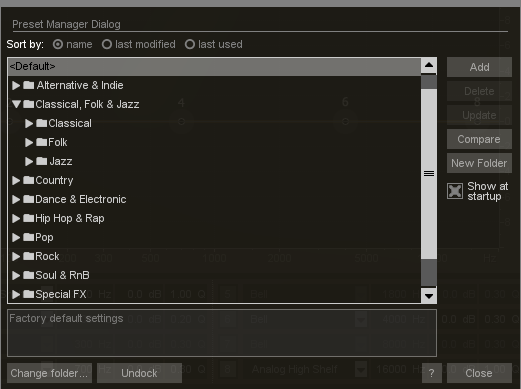
Nectar's Genres and Presets are designed to allow you to take full advantage of the underlying signal processing in the most concise and creative way possible. Click on the Preset Manager at the bottom of Nectar's interface in order to select your desired Genre and Preset from the preset menu that appears.
When a Genre and Preset is chosen, Nectar will automatically load settings in Nectar’s modules to allow you to recreate that style on your vocal track.
Note: You can also use the arrow keys on your keyboard to scroll Up and Down between Presets and Genres. This can be especially helpful to audition the direction different presets will take your vocals.
Learn more about Nectar’s Preset System here.